
7 SEO Basics Every Small Business Should Know
Want more potential customers to discover your business on Google? Learn seven essential SEO basics that can help improve your website’s visibility, usability and organic search performance.
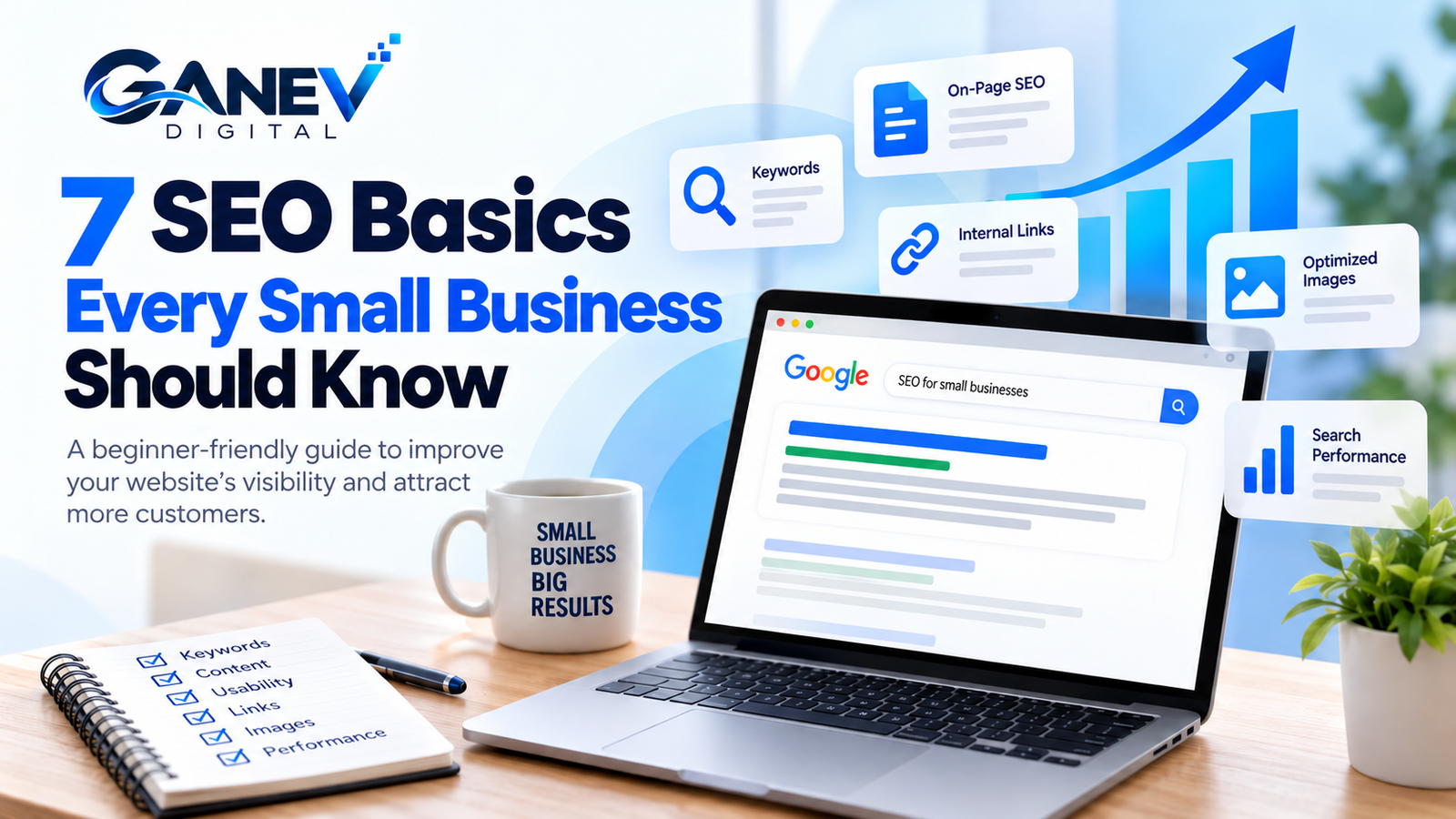
Introduction: Why Is SEO Important for Small Businesses?
Search engine optimization (SEO) is the process of improving your website so search engines can understand its content and users can discover relevant pages through organic search results.
For small businesses, SEO can help attract people who are actively searching for relevant products, services or solutions. It is not an instant-results strategy, but consistent improvements can support long-term online visibility.
Whether you run a local shop, service business or growing online brand, these SEO basics for small businesses will help you build a stronger foundation.
1. Understand Your Target Keywords
Keyword research helps you discover the words and phrases people use when searching for businesses like yours. The right keywords connect your website content with your audience’s needs.
When researching keywords, consider:
- Relevance: Does the keyword match your service?
- Search intent: Is the user learning, comparing or ready to buy?
- Competition: Can your website realistically compete for this query?
- Specificity: Would a more detailed phrase attract a suitable audience?
Start with a primary keyword for each important page. Use related phrases naturally instead of repeating the same keyword excessively.
2. Optimize Page Titles and Headings
Page titles and headings help search engines and readers understand what a page is about. Each important page should have a descriptive title and a clear main heading that accurately represents its content.
- Write a unique, descriptive SEO title for every important page.
- Use one clear main heading (H1) for the page’s main topic.
- Organize supporting sections with logical H2 and H3 headings.
- Place relevant keywords naturally where they make sense.
- Write titles that are useful and compelling, not misleading.
Instead of a vague heading like “What We Do,” use “Social Media Marketing Services for Small Businesses.”
Google may generate a different title link in search results when it considers another title more appropriate.
3. Create Useful, Original Content
Helpful content answers real questions and gives readers a reason to trust your business. Rather than creating articles just to include keywords, focus on the information your potential customers need.
To make your content more useful:
- Answer common questions about your industry or services.
- Explain complex topics in simple language.
- Include relevant examples, practical steps and original insights.
- Keep information accurate and update outdated details.
- Use clear paragraphs, descriptive headings and readable formatting.
A digital marketing agency could publish guides about keyword research, local SEO, social media marketing and website optimization. Each article can help readers explore a relevant service when they need professional support.
If you use AI tools, review the output for accuracy, originality and genuine value before publishing.
4. Improve Website Usability
Visitors should be able to find information and complete important actions without unnecessary effort. A usable website makes it easier for people to explore your business and contact you.
Review these essential areas:
- Mobile experience: Ensure text, menus and buttons work on smaller screens.
- Navigation: Make important pages easy to find.
- Readability: Use suitable font sizes, spacing and contrast.
- Loading performance: Optimize images and investigate slow pages.
- Accessibility: Use meaningful link text and appropriate image alternatives.
- Security: Keep your website updated and use HTTPS.
On WordPress, review your mobile layouts, remove unnecessary plugins and test important pages regularly. Google PageSpeed Insights can help identify performance improvements.
5. Use Internal Links
Internal links connect one page of your website to another page on the same website. They help visitors discover related information and help search engines understand how your content is organized.
Build useful internal links by:
- Linking relevant blog articles to related service pages.
- Connecting newer articles to useful existing guides.
- Using descriptive anchor text that explains the destination.
- Making important pages easy to discover through relevant links.
- Checking for broken links and unnecessary redirects.
Internal links should be relevant and helpful. Avoid adding links where they interrupt the reader or do not match the surrounding topic.
6. Optimize Images
Images can explain concepts, demonstrate your work and make articles easier to understand. Optimizing them can also help improve page performance and make visual content more accessible.
- Use descriptive filenames: For example,
small-business-seo-guide.webp. - Write useful alt text: Describe the image’s purpose when it conveys information.
- Compress images: Reduce file sizes while maintaining visual quality.
- Choose suitable dimensions: Avoid unnecessarily large image files.
- Use modern formats: Consider WebP or AVIF when supported.
- Set image dimensions: Help prevent unexpected layout shifts.
Decorative images should generally have empty alt attributes so screen readers can skip them. Do not stuff keywords into filenames or alternative text.
7. Monitor Your Search Performance
SEO is an ongoing process. Monitoring search performance helps you understand which pages attract visitors, which queries show your website in search results and which issues need attention.
Use Google Search Console
Google Search Console is a free tool that provides information about your website’s performance in Google Search. Once your property is verified, review the following:
- Clicks: How often users click your website from search results.
- Impressions: How often your pages appear in search results.
- Click-through rate (CTR): The percentage of impressions that result in clicks.
- Average position: Your site’s average position for the selected search data.
- Indexing: Whether important pages can be indexed and whether issues need investigation.
Compare performance over meaningful periods, investigate pages that are not performing as expected and prioritize improvements based on relevance and potential value.
You can also use Google Analytics, when configured, to understand what visitors do after arriving on your website.
Start here: Google Search Console →
Your Small Business SEO Checklist
Use this checklist to turn the seven basics into practical actions for your website.
- Identify relevant keywords for your important pages.
- Write descriptive titles and clear headings.
- Publish helpful, original content.
- Test your website on mobile devices.
- Add relevant internal links to articles and services.
- Optimize image size, format and alternative text.
- Verify your website in Google Search Console.
- Review performance and update pages regularly.
Conclusion: Build Your SEO Foundation Step by Step
Improving your search visibility does not require changing everything at once. Start with your most important website pages, understand what your audience searches for, create genuinely helpful content and make it easy for visitors to navigate your website.
Review your performance regularly and use the data to decide what to improve next. SEO takes time, and results depend on factors such as competition, website quality, search intent and the work involved. Consistent, useful improvements provide a stronger foundation for long-term organic growth.
Ready to Improve Your Website’s SEO?
Ganev Digital helps businesses build a stronger online presence through strategic SEO and digital marketing solutions.
Explore Our Services → Discuss Your Project →